Answer Area
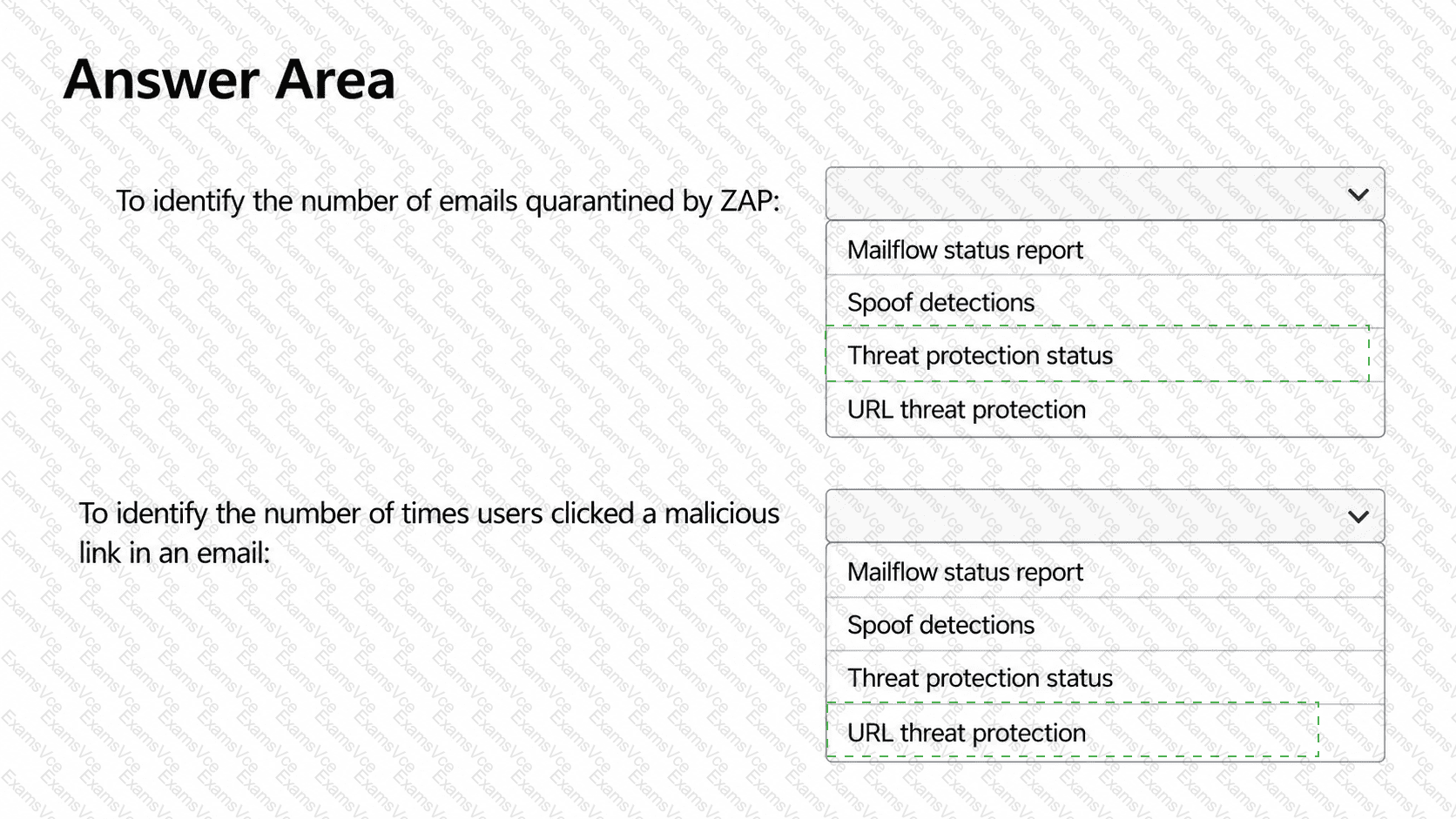
Correct Selection
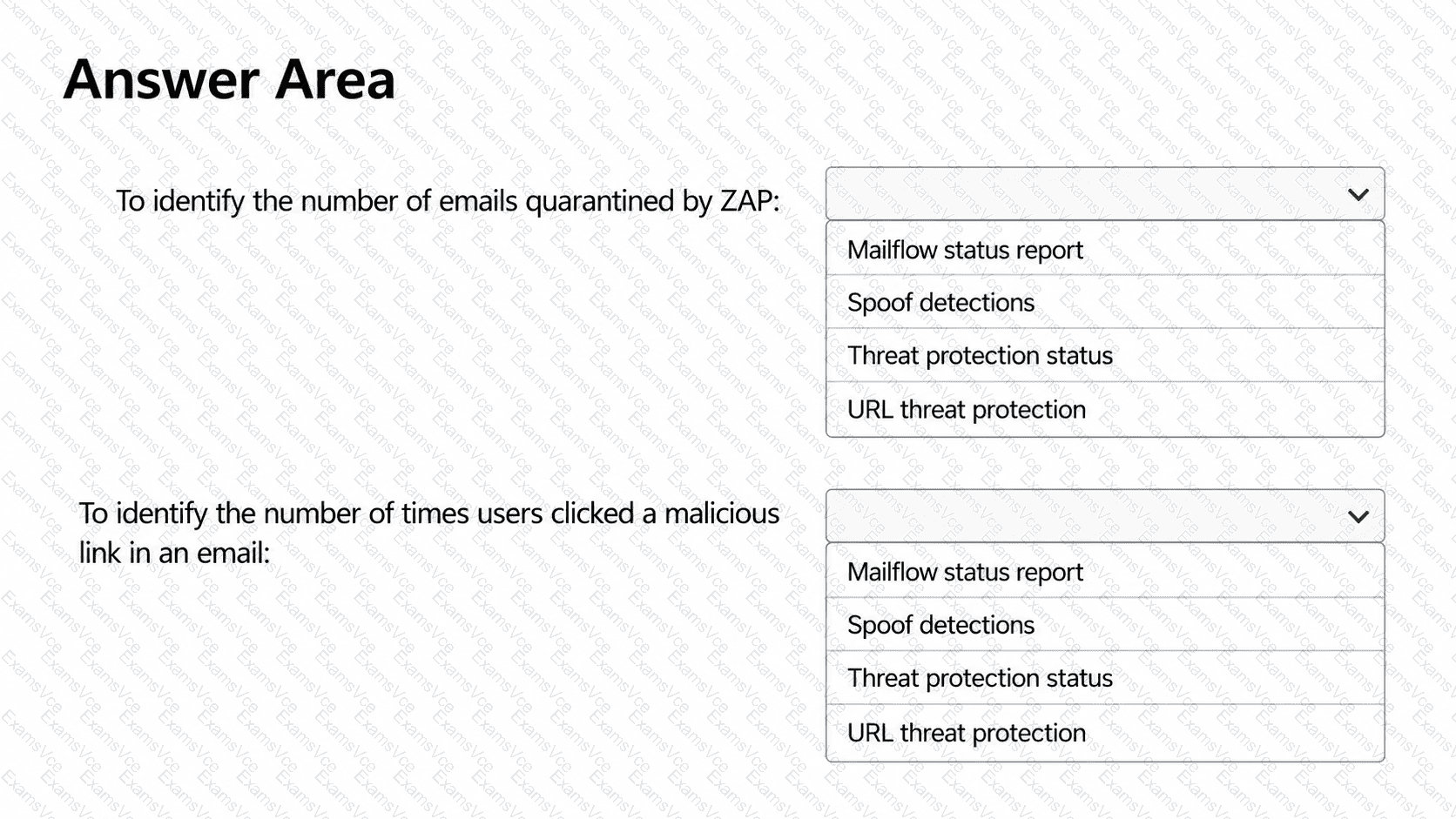
To identify the number of emails quarantined by ZAP
Threat protection status
To identify the number of times users clicked a malicious link in an email
URL threat protection
HOTSPOT Exhibit — White Background, All Dropdown Options Unselected
Microsoft Defender for Office 365 provides specialized Email & collaboration reports for monitoring email threats, post-delivery remediation, and malicious URL interactions.
First selection: Threat protection status.
The Threat protection status report provides information about malicious email messages detected by Microsoft 365 security technologies, including messages affected by zero-hour auto purge (ZAP).
ZAP reevaluates messages after delivery and can move newly identified malicious messages to quarantine.
Administrators can review threat detections and delivery status, including quarantined messages, through Microsoft Defender portal → Reports → Email & collaboration → Threat protection status.
The Mailflow status report also provides a ZAP-removed count, but Threat protection status is the intended selection for examining malicious messages and their quarantine outcomes.
Second selection: URL threat protection.
The URL protection report monitors Safe Links activity, including user clicks on malicious URLs in email messages.
It provides URL click counts, protection actions, and information about blocked or allowed clicks.
Administrators can access it through Microsoft Defender portal → Reports → Email & collaboration → URL protection report.
The report supports filtering by application, URL, date, and protection action.
Microsoft specifies that user click data is available only when Track user clicks is enabled in the effective Safe Links policy.
The Spoof detections report concerns impersonated senders, while Mailflow status primarily summarizes email filtering and delivery.
Microsoft References:
Microsoft Learn — View email security reports
Microsoft Learn — Defender for Office 365 reports