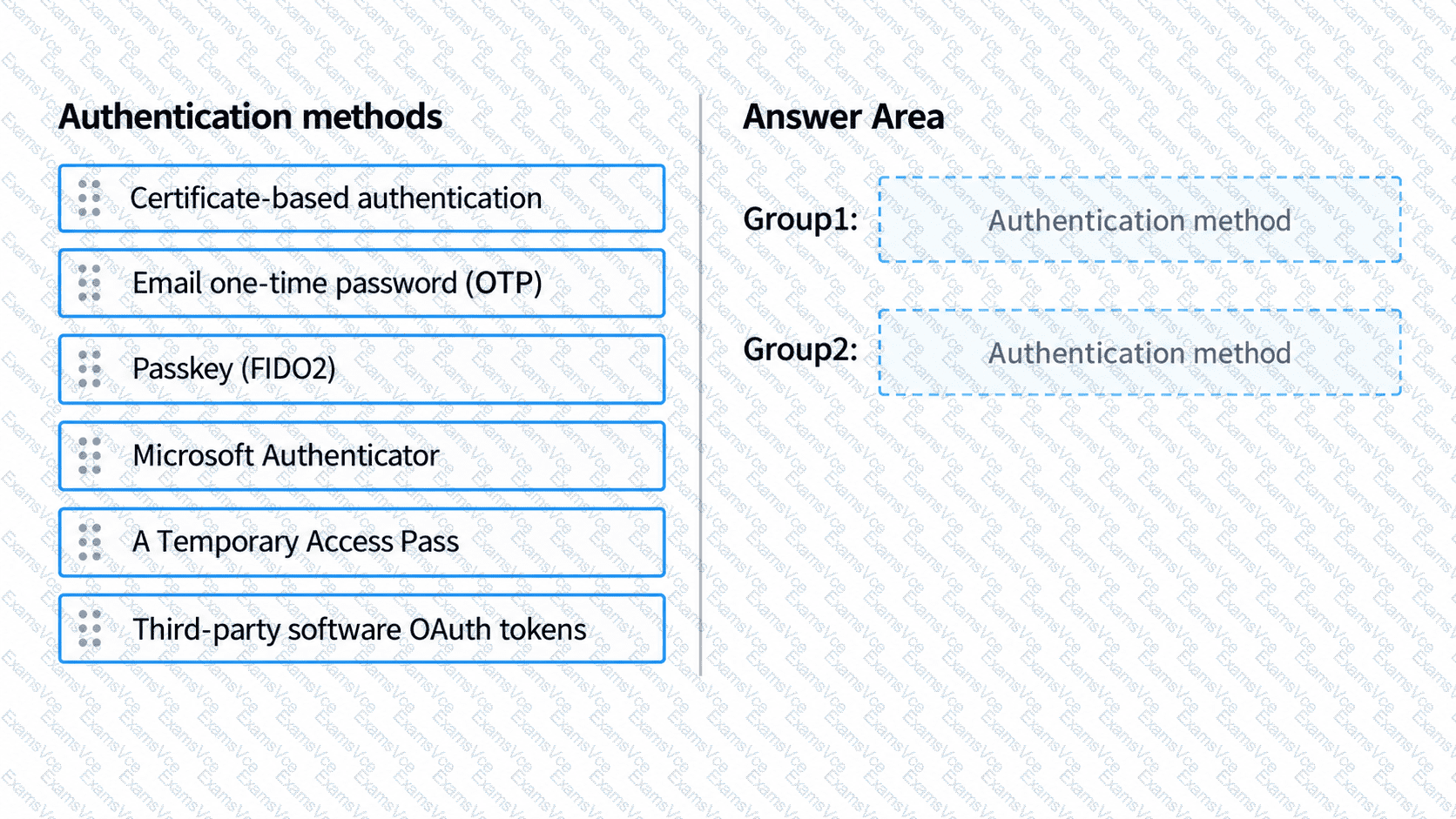
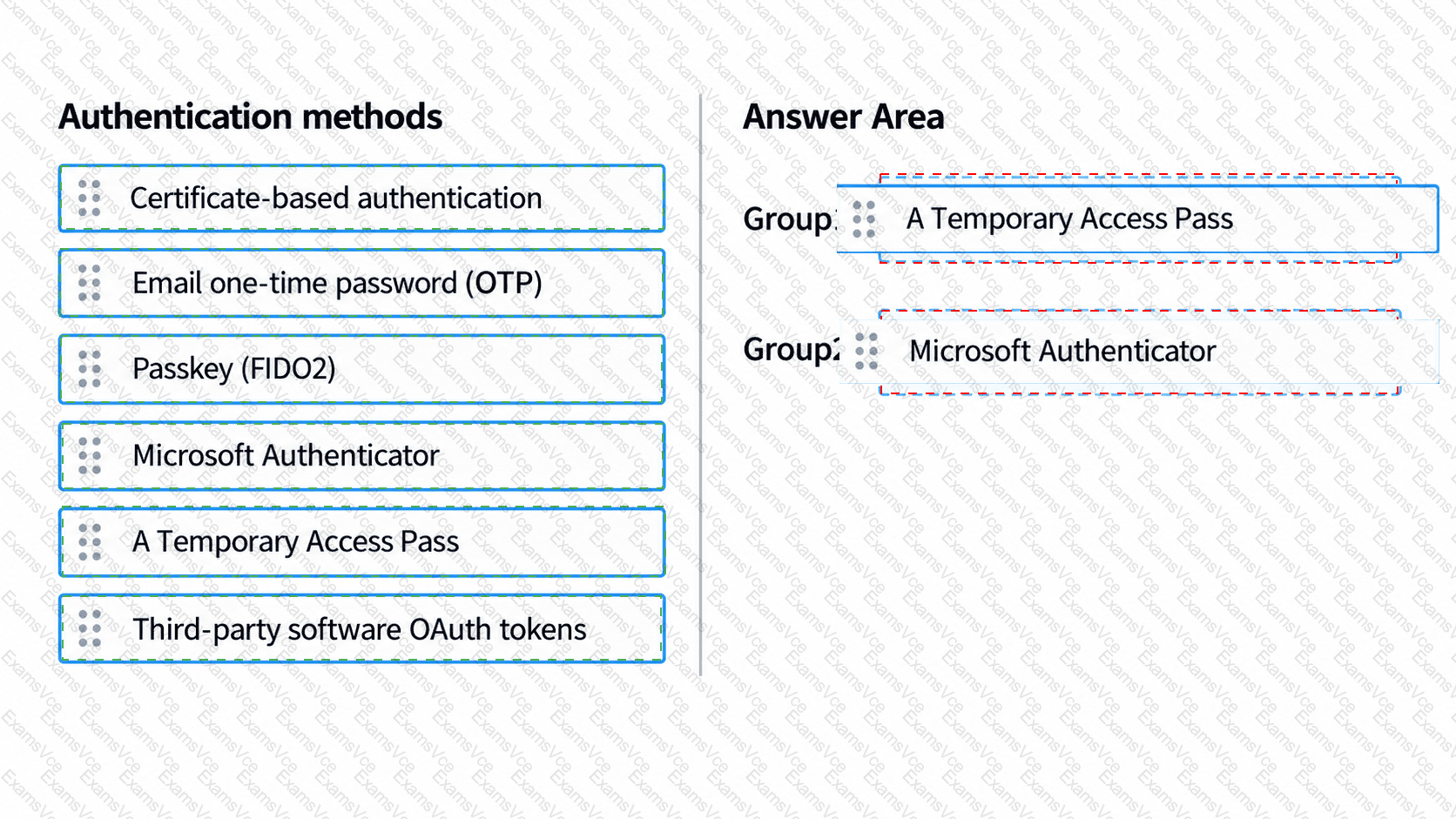
Answer Area
Correct Selection
Group1
A Temporary Access Pass
Group2
Microsoft Authenticator
Microsoft Entra ID provides several authentication methods for secure sign-in, including Temporary Access Pass (TAP) and Microsoft Authenticator.
First selection: A Temporary Access Pass.
Group1 requires administrators to generate a time-limited authentication code that users can use without entering their existing passwords.
A Temporary Access Pass meets this requirement. It is a time-limited passcode that administrators can issue for one-time or multiple-use authentication.
Administrators can enable TAP through Microsoft Entra admin center → Entra ID → Authentication methods → Policies → Temporary Access Pass.
After enabling the method for Group1, an authorized administrator can generate individual passes for users. TAP is particularly useful for onboarding passwordless authentication methods and recovering access when users lose their credentials.
Second selection: Microsoft Authenticator.
Group2 requires authentication using a two-digit verification challenge on a mobile device.
Microsoft Authenticator supports number matching, where users enter the number displayed during sign-in into their Authenticator app to approve authentication.
Number matching strengthens MFA by helping prevent accidental approval of fraudulent sign-in requests.
Microsoft enables number matching for Authenticator push notifications. Some same-device mobile application flows instead provide a Yes/No confirmation experience.
The other listed methods do not provide the specific combination of administrator-generated temporary passes and Authenticator number-matching notifications.
Microsoft References:
Microsoft Learn — Configure Temporary Access Pass
Microsoft Learn — Microsoft Authenticator number matching