Answer Area
Correct Selection
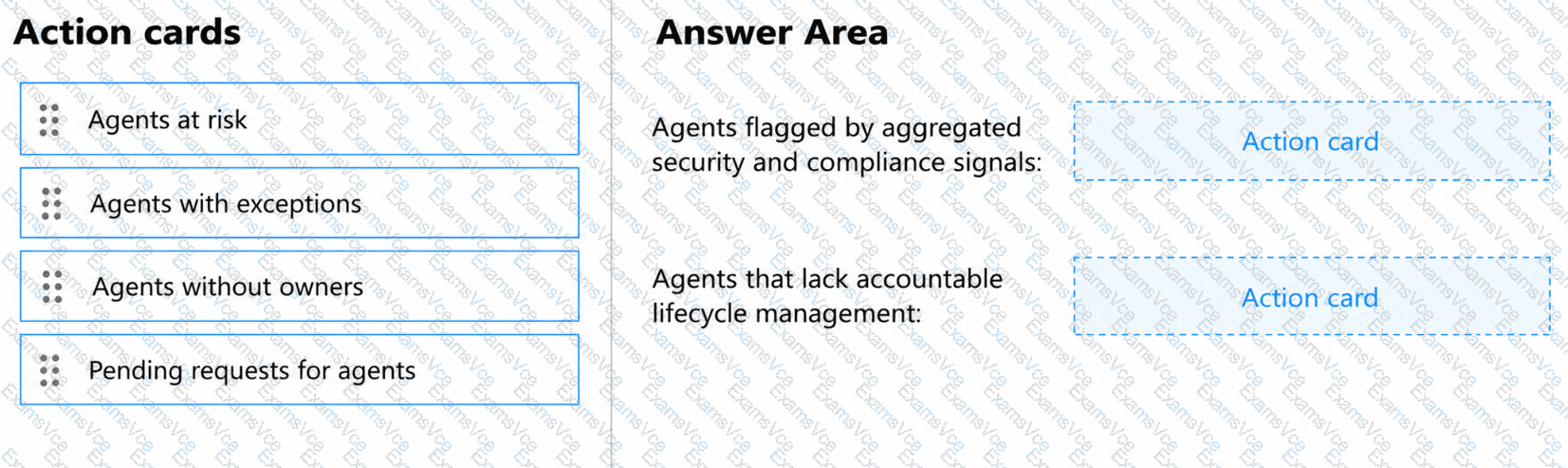
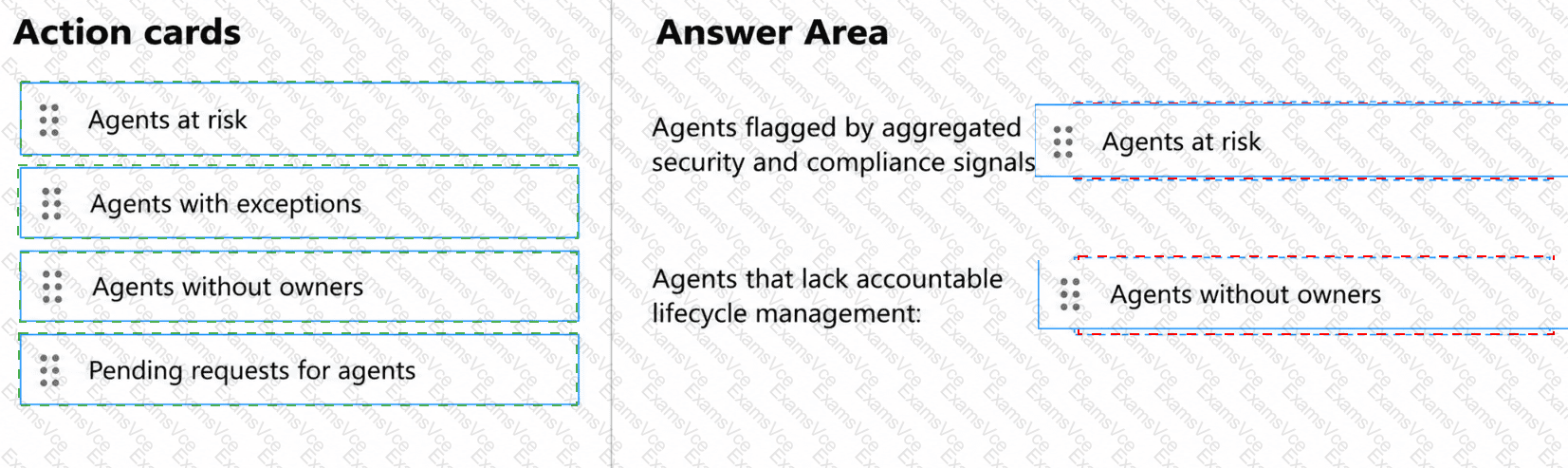
Agents flagged by aggregated security and compliance signals
Agents at risk
Agents that lack accountable lifecycle management
Agents without owners
Microsoft Agent 365 provides centralized governance action cards within the Microsoft 365 admin center to identify security risks, ownership gaps, and agent lifecycle issues.
First selection: Agents at risk.
The Agents at risk card identifies agents associated with aggregated security and compliance risk signals from Microsoft Entra, Microsoft Defender, and Microsoft Purview.
Administrators can select Manage agent risks to open the Agent Registry with the relevant agents filtered by identified risk.
This enables security teams to investigate potentially compromised agents, inappropriate permissions, data exposure concerns, and other detected security issues.
Second selection: Agents without owners.
The Agents without owners card identifies agents that do not have an assigned owner responsible for governance and lifecycle management.
Administrators can select Assign Owner to review affected agents and establish ownership accountability.
An assigned owner helps ensure ongoing technical maintenance, appropriate access management, and governance oversight.
The remaining action cards address different scenarios. Agents with exceptions identifies agents experiencing operational errors, while Pending requests for agents identifies agent deployment requests awaiting administrative approval.
Microsoft documents that AI Administrators and Global Administrators can perform the relevant governance actions.
Therefore, Agents at risk and Agents without owners are the correct selections.
Microsoft References: