Correct sequence:
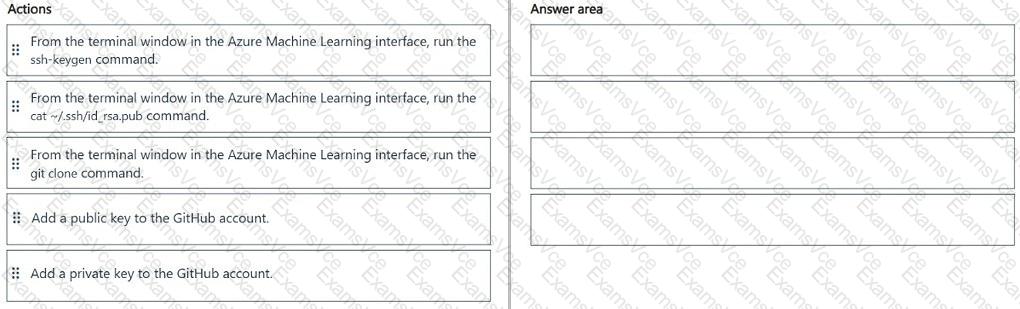
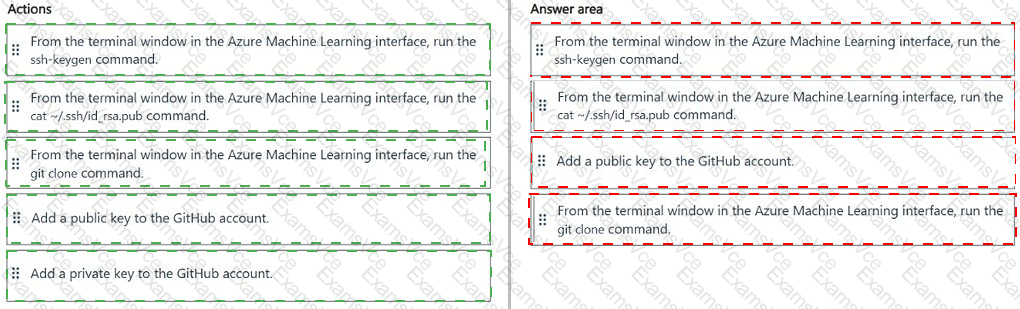
From the terminal window in the Azure Machine Learning interface, run the ssh-keygen command.
From the terminal window in the Azure Machine Learning interface, run the cat ~/.ssh/id_rsa.pub command.
Add a public key to the GitHub account.
From the terminal window in the Azure Machine Learning interface, run the git clone command.
Azure Machine Learning supports cloning Git repositories directly into the workspace file system from a compute instance terminal . For an SSH-based GitHub connection, the required workflow is to generate an SSH key pair, obtain the public-key value, associate that public key with the Git account, and then clone the repository using its SSH URL. Microsoft documents this exact logical sequence for Git integration with Azure Machine Learning.
First, ssh-keygen creates the private/public SSH key pair on the Azure Machine Learning compute instance. Next, the cat ~/.ssh/id_rsa.pub command displays the public-key contents so they can be copied. The public key is then added to the GitHub account, enabling GitHub to authenticate connections originating from the compute instance. The private key must remain on the compute instance and must never be uploaded to GitHub.
Finally, execute git clone with the repository ' s SSH clone URL. Azure Machine Learning documentation confirms that repositories can be cloned directly into its shared workspace file system and recommends performing Git operations from the compute-instance terminal.
Add a private key to the GitHub account is therefore the unused and incorrect action.
Study Guide Reference: Design and implement an MLOps infrastructure — source control integration, Azure Machine Learning workspace files, SSH authentication, Git repositories, and secure development workflows.