Administration > Taxonomy
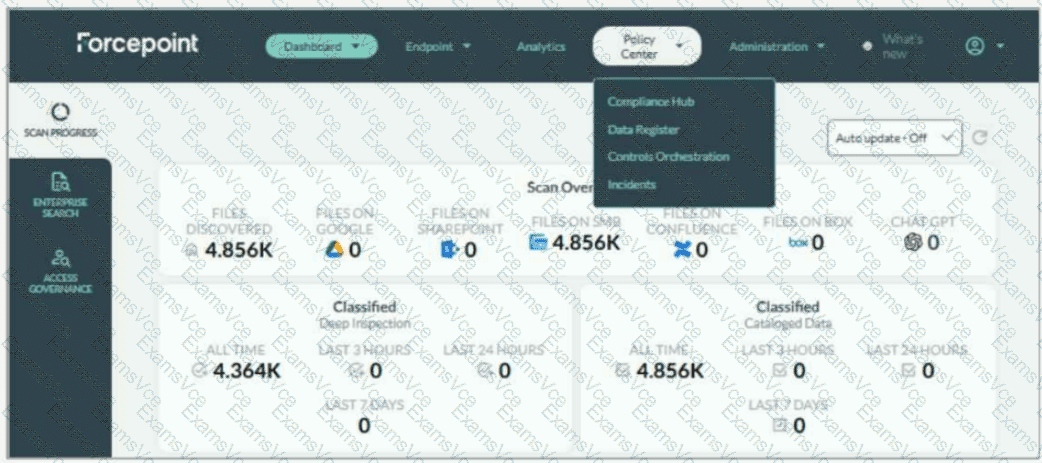
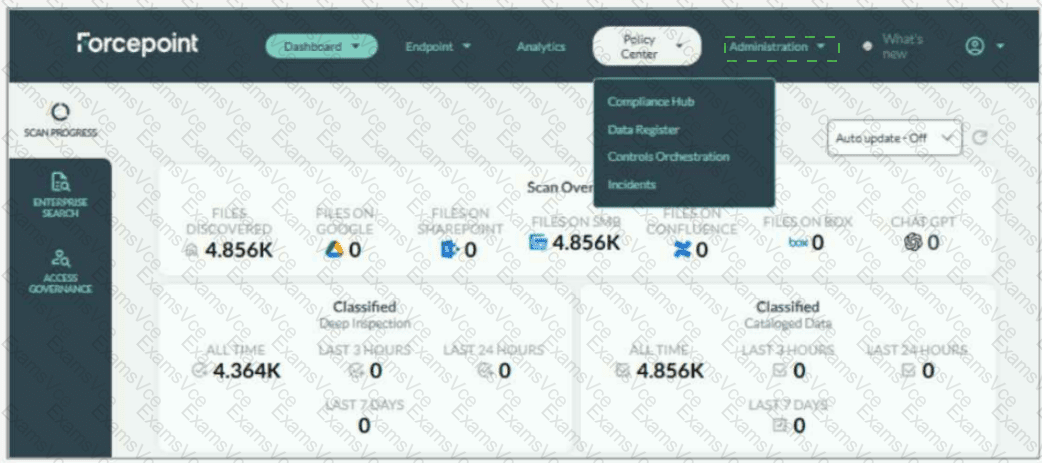
Taxonomy tags are managed from the Administration menu, specifically under Administration > Taxonomy . In the screenshot, Adam should not select Policy Center ; the currently open menu shows Compliance Hub, Data Register, Controls Orchestration, and Incidents, but taxonomy management is not located there. The correct UI action is to open the Administration drop-down on the top navigation bar and select Taxonomy .
Forcepoint’s DSPM documentation states that the Taxonomy page displays predefined AI Mesh tags, which cannot be removed, and also allows administrators to add custom tags for pattern matching and detection rules. It further explains that taxonomy mapping can connect AI Mesh tags with data-source taxonomies so mapped tags can be written back as the organization’s own labels.
This location is important because taxonomy governs the classification language DSPM applies to scanned data. By updating taxonomy tags, Adam aligns DSPM classification output with the company’s internal handling policies, sensitivity labels, and compliance terminology. Forcepoint also notes that new taxonomy tags are created from the Taxonomy tab under the Administration section, and that applied tags are visible in the Data Asset Inventory. References/topics: Administration, Taxonomy, AI Mesh Tags, Classification Tags, Pattern Matching, Detection Rules .