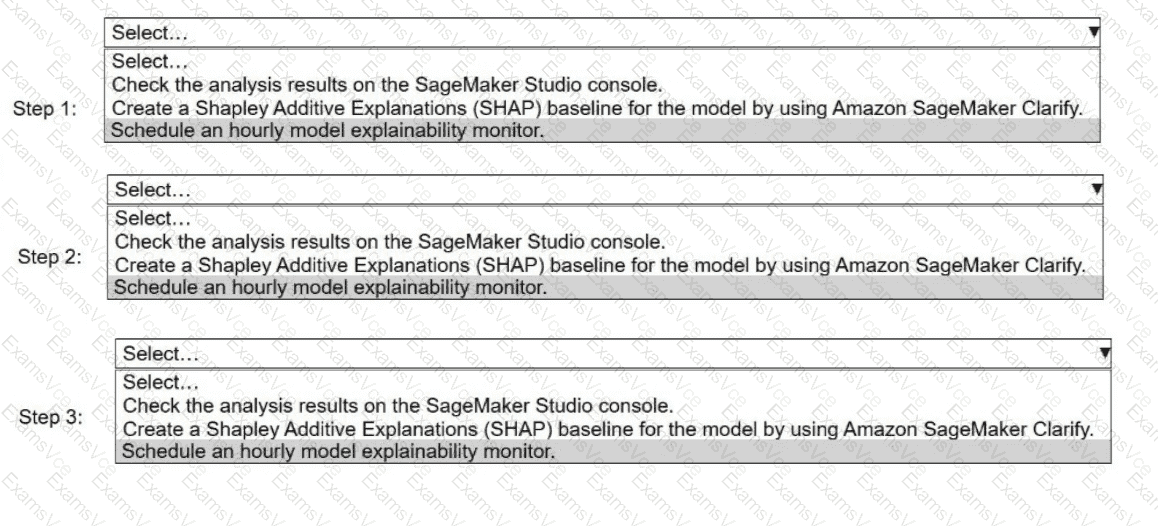
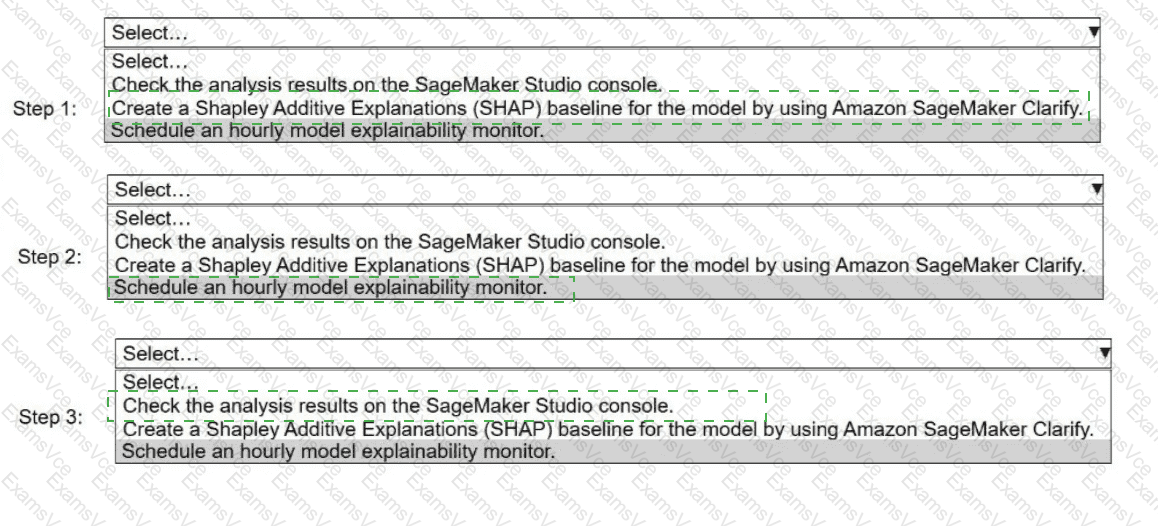
Step 1:
Create a Shapley Additive Explanations (SHAP) baseline for the model by using Amazon SageMaker Clarify.
Step 2:
Schedule an hourly model explainability monitor.
Step 3:
Check the analysis results on the SageMaker Studio console.
When monitoring a deployed model for data drift and explainability, AWS prescribes a specific workflow using SageMaker Clarify and SageMaker Model Monitor:
Create a SHAP baseline (Step 1)Before any monitoring can occur, SageMaker Clarify must establish a baseline explainability configuration. This baseline captures the reference SHAP values for feature importance using training or baseline data. Model Monitor uses this baseline to compare future inferences and detect drift in feature attributions.
Schedule the model explainability monitor (Step 2)After the baseline is created, an explainability monitoring schedule must be configured (hourly in this case). The monitor periodically analyzes inference data, compares it against the SHAP baseline, and generates reports that highlight drift or anomalies in feature contributions.
Inspect results in SageMaker Studio (Step 3)Once monitoring jobs run, SageMaker stores the analysis results in Amazon S3 and surfaces them in the SageMaker Studio console, where engineers can review metrics, violations, and visual reports.
This sequence is mandatory because:
A monitor cannot run without a baseline
Results cannot be reviewed until the monitor executes