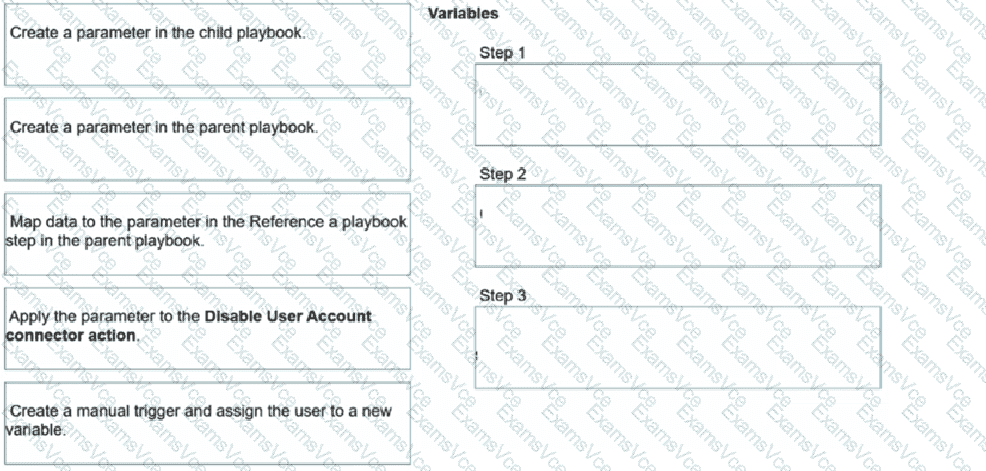
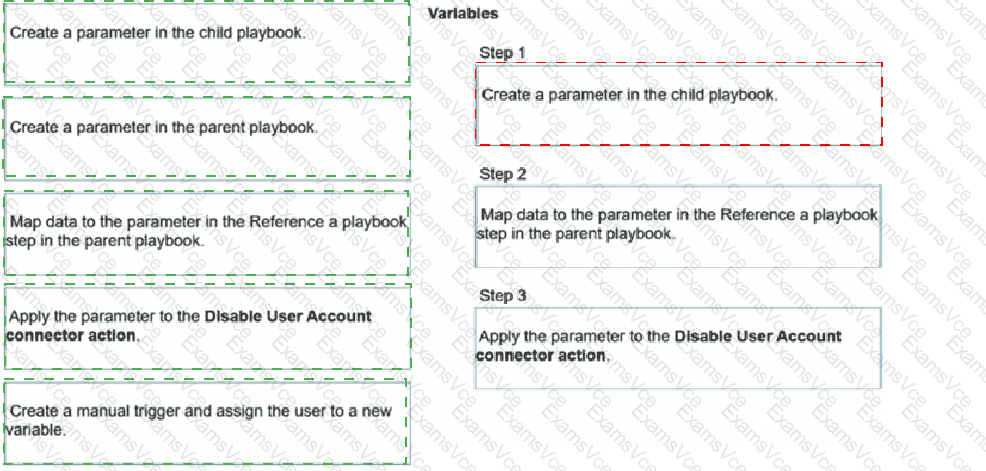
Step 1: Create a parameter in the child playbook.
Step 2: Map data to the parameter in the Reference a Playbook step in the parent playbook.
Step 3: Apply the parameter to the Disable User Account connector action.
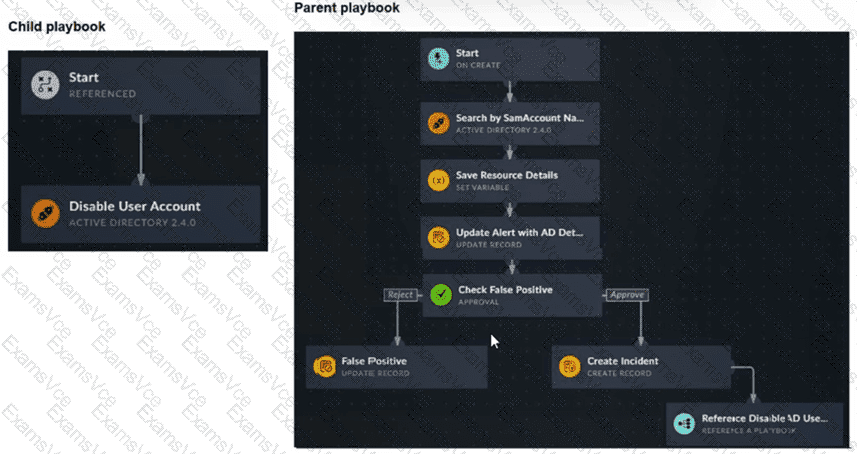
Exact Extract: “To make the child playbook function properly, you must pass information from the parent playbook to the child playbook. If the child playbook is not aware of the AD user queried in the parent playbook, the action to disable a user cannot be completed. The easiest way to accomplish this task is to create a parameter in the child playbook.”
Exact Extract: “After it is created, you can go back to your parent playbook to the Reference a Playbook step for the associated child playbook. You will find a new field to map data to. After the data is mapped in the parent playbook, when you return to the child playbook, you can see the parameter is available in the Dynamic Values window.”
The correct order is child parameter → parent mapping → child connector usage. The child playbook must first expose an input parameter, such as user_name, because a referenced child playbook does not automatically inherit every variable from the parent workflow. After the child parameter exists, the parent playbook’s Reference a Playbook step displays that parameter as a mappable input field. The parent can then pass the AD username discovered earlier in the workflow. Finally, inside the child playbook, that parameter is selected from Dynamic Values and applied to the Disable User Account Active Directory connector action.
The option “Create a parameter in the parent playbook” is not required. The parent only maps data into the child’s parameter. The option “Create a manual trigger and assign the user to a new variable” is also wrong because the parent playbook in the exhibit already starts from an On Create trigger and already retrieves the AD account details before referencing the child playbook.
Technical Deep Dive: Referenced playbooks are modular automation units. Their clean design depends on explicit input parameters, just like function arguments in programming. This avoids brittle dependencies on parent-step variable names and allows the same child playbook to be reused by multiple parent workflows. Hardware offloading such as FortiGate NP/CP acceleration is irrelevant here because this is FortiSOAR workflow orchestration, not FortiGate data-plane traffic processing.