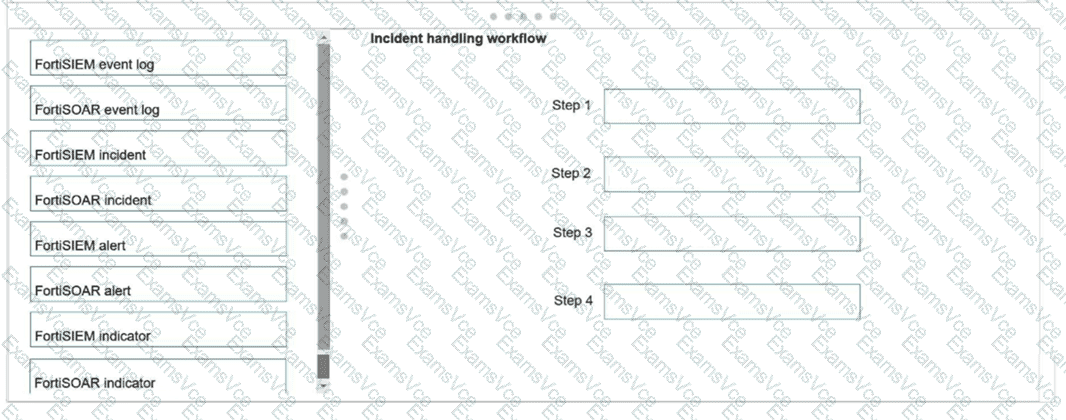
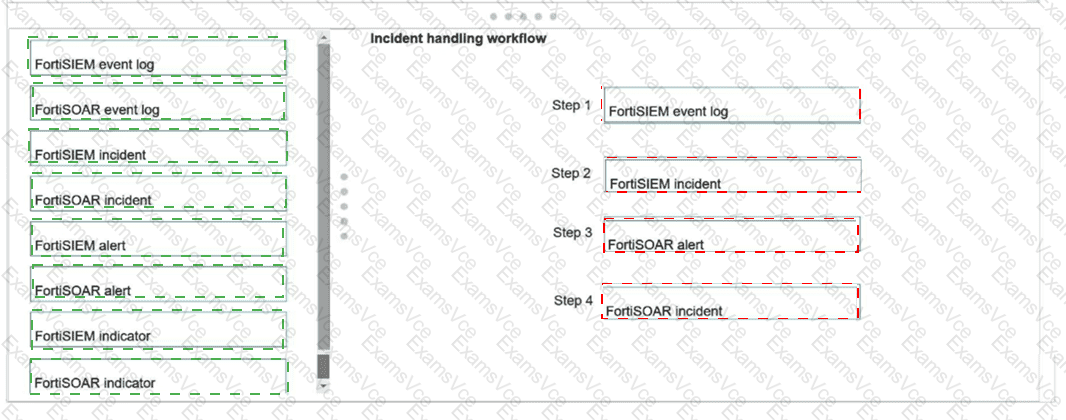
Step 1: FortiSIEM event log
Step 2: FortiSIEM incident
Step 3: FortiSOAR alert
Step 4: FortiSOAR incident
Exact Extract: “FortiSIEM: Event: An event refers to a single log or data point collected from a monitored device. It’s the most basic unit of information received by FortiSIEM, such as a firewall log or a system alert.” The guide also states: “Incident: An incident in FortiSIEM is created when a correlation rule is triggered.”
Exact Extract: “This slide explains how to map fields between FortiSIEM incidents and FortiSOAR alerts during the ingestion process. Use the wizard to define how FortiSIEM data populates FortiSOAR alert fields.”
Exact Extract: “FortiSOAR ingests FortiSIEM incidents as alerts… If the alert is not a valid threat, then the analyst can close it as a false positive. Otherwise, the analyst can open an incident.”
The correct sequence is FortiSIEM event log → FortiSIEM incident → FortiSOAR alert → FortiSOAR incident . FortiSIEM first receives raw event logs from monitored devices. If those events match a correlation rule, FortiSIEM creates a FortiSIEM incident . The FortiSOAR default data ingestion wizard then ingests FortiSIEM incidents into FortiSOAR as alerts , not as FortiSOAR incidents directly. After triage and validation, the analyst or playbook can escalate the alert into a FortiSOAR incident .
Technical Deep Dive: FortiSIEM and FortiSOAR use different object models. FortiSIEM “incident” means a correlation result from event analytics. FortiSOAR “alert” is the first SOAR-side record created from that SIEM incident. FortiSOAR “incident” is a higher-level case-management container used after validation. This separation is intentional: not every SIEM incident deserves full incident-response handling. FortiGate NP/CP offloading is irrelevant because this workflow is log ingestion and case orchestration, not firewall packet acceleration.