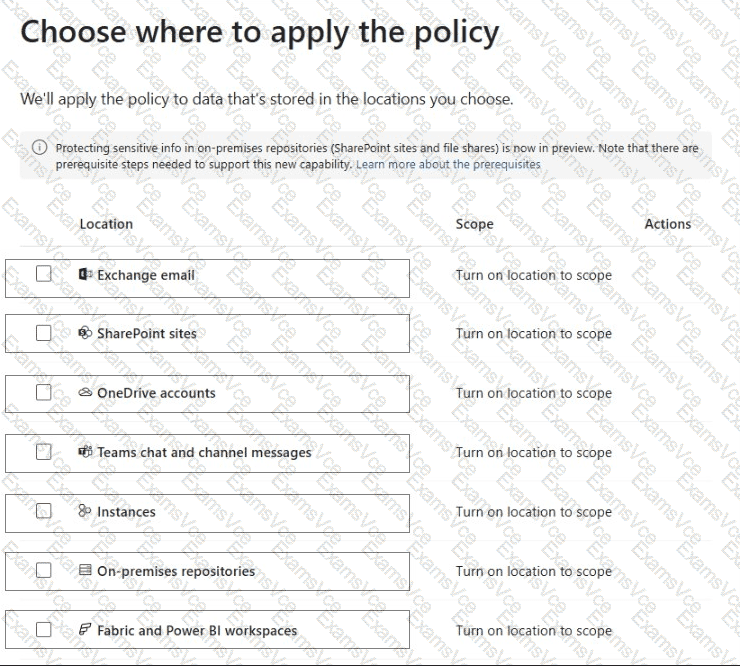
Answer Area
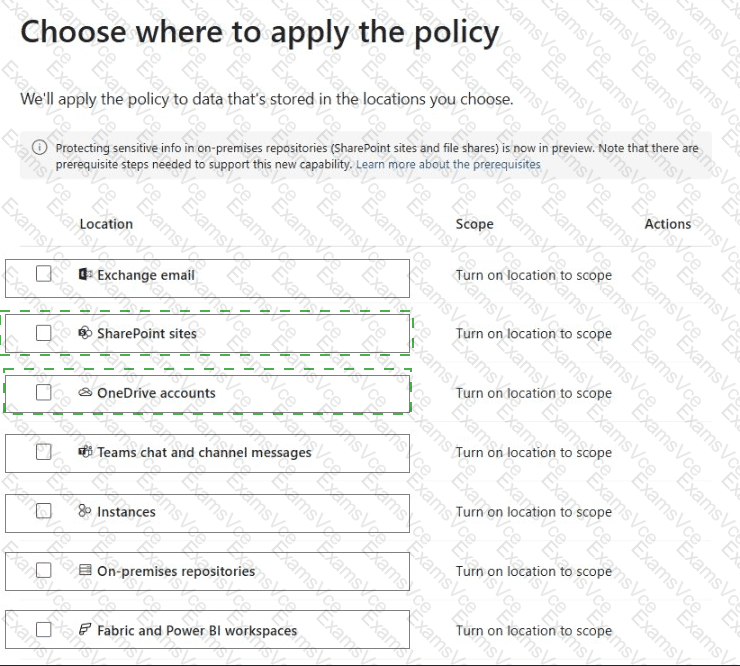
Correct Selection
Location 1
SharePoint sites
Location 2
OneDrive accounts
Microsoft Teams uses SharePoint Online and OneDrive for Business to store and share documents. Microsoft Purview DLP policies must therefore protect these underlying storage locations to prevent sensitive documents from being shared externally.
First selection: SharePoint sites.
Files shared through Microsoft Teams standard channels are stored in the associated SharePoint site. Private and shared channels also use SharePoint sites for document storage.
Applying a DLP policy to SharePoint sites allows Microsoft Purview to identify protected documents and restrict access for external users when policy conditions match.
Second selection: OneDrive accounts.
Files shared through individual or group chats in Microsoft Teams are stored in the sender ' s OneDrive for Business account.
Applying the same DLP policy to OneDrive accounts ensures that documents shared through Teams chats are also protected against unauthorized external access.
Why Teams chat and channel messages is incorrect:
The Teams chat and channel messages location protects sensitive information contained directly in messages, rather than the actual documents stored in SharePoint or OneDrive.
Microsoft explicitly states that protecting documents shared through Teams requires including both SharePoint and OneDrive in the DLP policy.
These locations must be combined with appropriate sensitive-content conditions and blocking actions to enforce the required protection.
Microsoft References: